01 / 03
Connect your wallet
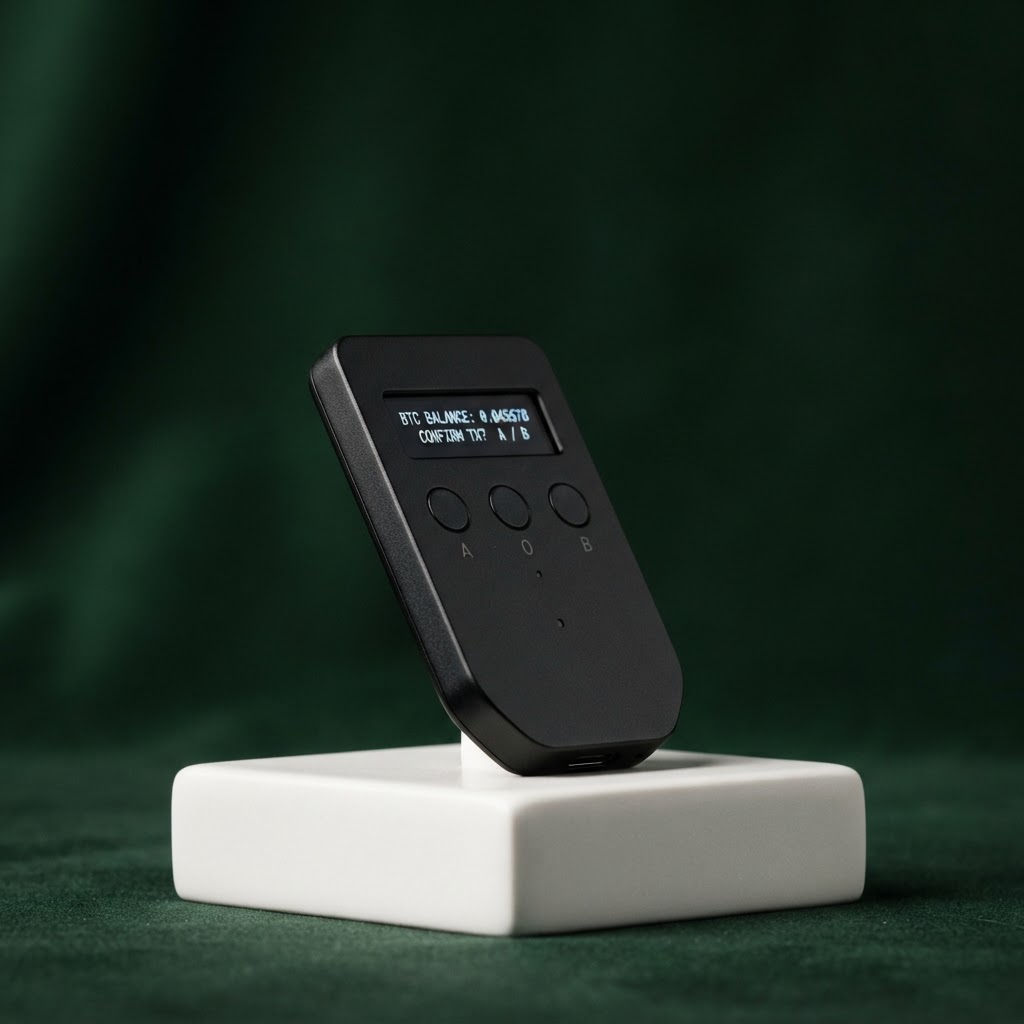
Plug your Trezor into your computer or connect your device. Keep it close while you get set up.
YOUR CRYPTO, YOUR CALL
Welcome to your Trezor. A few simple steps stand between you and a more confident way to manage your digital assets. 🔐
A SIMPLE START
No technical background needed. We’ll help you set up safely, at your own pace. ✨
Plug your Trezor into your computer or connect your device. Keep it close while you get set up.
Follow the prompts to install the official Trezor Suite app and prepare your device securely.
Set a PIN and write down your recovery seed offline. Your keys stay in your hands.
YOUR KEYS NEVER LEAVE YOUR DEVICE
Your recovery seed is the master key to your wallet. Write it down on paper, store it somewhere private, and never share it with anyone—not even someone claiming to be support.
Explore security basics ↗HERE WHEN YOU NEED US
Visit the Trezor support center for clear guides and answers to common setup questions.